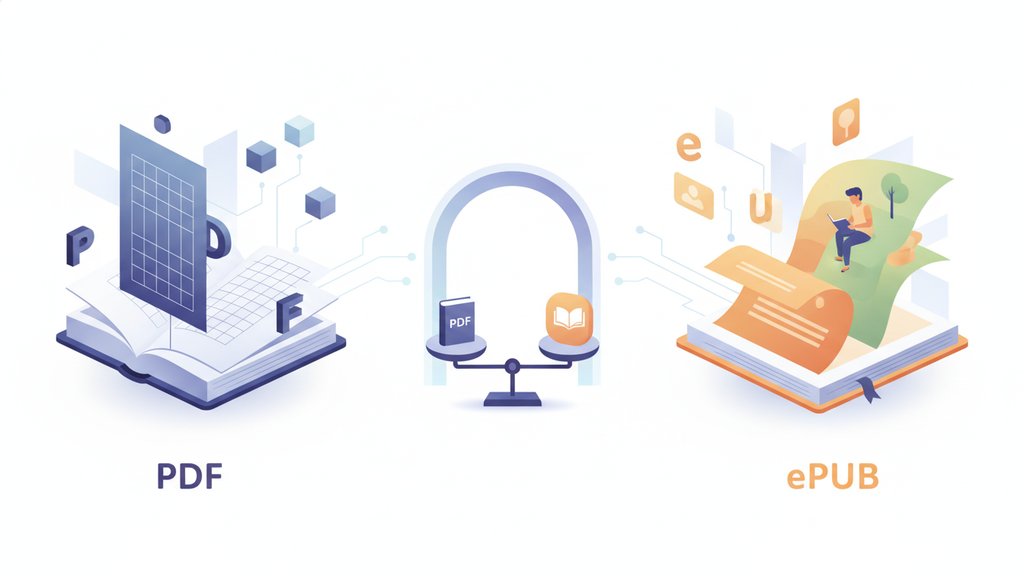
The short answer: ePUB is better for reading books on screens, and PDF is better when the exact layout matters. ePUB lets text reflow to fit any screen size, so it shines on phones and e-readers, while PDF locks everything in a fixed page design that looks identical everywhere but can be a pain to read on small displays. Which one wins in the PDF vs ePUB debate comes down to what you're reading and where.
Content Table
What ePUB and PDF actually are
What is ePUB? ePUB (short for "electronic publication") is an open ebook standard maintained by the W3C. Under the hood it's basically a zipped bundle of HTML, CSS, and images, similar to a tiny website packaged into one file. Because it's built on web technology, the text can rearrange itself to fit whatever screen it lands on.
PDF (Portable Document Format) was created by Adobe in 1993 and is now the open ISO 32000 standard. It describes a page exactly: this word goes here, this image goes there, this margin is this wide. Open the same PDF on a laptop, a phone, or a printer and every pixel stays in the same spot.
Reflowable text vs fixed pages
This is the single biggest difference, and it decides most reading situations.
ePUB uses reflowable text. When you make the font bigger, shrink the window, or rotate your phone, the words flow to fill the new space, like water finding its level. Nothing gets cut off and you never scroll sideways.
PDF uses a fixed layout. The page is one set size. On a big monitor that's great. On a 6-inch phone, you're often pinching, zooming, and dragging the page left and right just to read one line. There are ways to make PDFs more dynamic with interactive elements, but the core text still won't reflow the way an ePUB does.
Side-by-side comparison
| Feature | ePUB | |
|---|---|---|
| Text reflow | Yes, adapts to any screen | No, fixed page size |
| Adjustable font size | Yes, freely | Only by zooming |
| Layout precision | Varies by device | Exact, pixel-perfect |
| Best for | Novels, long-form text | Textbooks, forms, manuals |
| Small screens (phones) | Excellent | Awkward |
| Printing | Unreliable | Perfect every time |
| Complex tables and charts | Can break | Stays intact |
| File size | Usually smaller | Larger with images |
| E-reader support | Native on most devices | Supported but clunky |
Accessibility and screen readers
If you or your readers rely on assistive technology, ePUB accessibility is a clear win. Because ePUB is structured like a web page, it carries real headings, reading order, and text that a screen reader can announce cleanly. Readers can also crank the font size or switch to a dyslexia-friendly typeface without breaking anything.
- ePUB: Semantic structure, resizable text, and support for text-to-speech make it the friendlier choice for low vision and dyslexic readers.
- PDF: Can be made accessible using tagged PDF and alt text, but many PDFs in the wild are just scanned images with no readable text layer at all. A screen reader sees nothing on those.
Which format should you pick?
There's no single winner in "what is the best format for ebooks." The best format for ebooks depends entirely on the content and how it's read.
Choose ePUB when:
- You're reading a novel, article, or any text-heavy book
- You read on a phone, tablet, or dedicated e-reader like a Kindle or Kobo
- You want to adjust font size, spacing, or brightness comfortably
- Accessibility matters
Choose PDF when:
- Layout is part of the meaning: textbooks, magazines, sheet music, technical manuals
- You need to print the document exactly as designed
- The file has forms, complex tables, or precise diagrams
- You need it to look identical for every single reader
PDF's staying power comes from that guaranteed consistency, which is also why it dominates business documents. If you're weighing document formats for work rather than reading, our breakdown of when to use PDF versus Word covers that side of the decision. And if you already have PDFs you want to navigate more like a book, adding bookmarks to your PDF makes long documents far easier to move through.

Switch between PDF and other formats in seconds
Stuck with a PDF when you'd rather read on your phone, or need a fixed-layout file for printing? Our free converter helps you move documents into the format that fits your reading setup in the PDF vs ePUB debate.
Try our free PDF converter →
Yes, for most books. ePUB reflows text to fit your phone's screen, so you can bump up the font and read one comfortable column with no side-scrolling. A PDF keeps its fixed page size, which usually means pinching and zooming on a small display.
Most e-readers, phones, and tablets support ePUB natively or through a free app. Apple Books, Google Play Books, Kobo, and many others read it directly. Amazon Kindle historically preferred its own format, though it now accepts ePUB through its send-to-Kindle service.
Because layout carries meaning in those documents. Diagrams, tables, formulas, and page references all depend on exact positioning. PDF locks that layout so it looks the same for everyone and prints perfectly, while an ePUB's reflowing text could scramble a complex figure.
Simple text-based PDFs convert fairly well. But PDFs with multiple columns, tables, footnotes, or images often come out messy because the converter has to guess the reading order. Plain novels convert cleanly; complex technical documents usually need manual cleanup afterward.
ePUB, in most cases. Its web-based structure gives screen readers clean headings and reading order, plus freely resizable text. PDFs can be made accessible with proper tagging and alt text, but many are scanned images with no readable text layer, which assistive tools cannot interpret at all.